How to Choose the Right Web Hosting: A Guide for Beginners

Table of contents
Selecting the right web hosting environment is a foundational decision that impacts your site’s performance, security, and long-term viability. While many beginners prioritize the lowest monthly price, this approach often overlooks critical infrastructure requirements that become apparent only after a site begins to grow. A successful hosting strategy balances immediate ease of use with the capacity to scale resources as traffic increases and business needs evolve.
Understanding the distinction between various hosting models is essential for making an informed choice. Whether you require a self-service platform that offers granular control or a full-service partnership that manages technical configurations on your behalf, your decision should reflect your specific technical expertise and operational goals. By focusing on core pillars such as proactive monitoring, robust backup strategies, and specialized performance tuning for platforms like WordPress, you can build a resilient foundation that supports your digital presence. This guide examines the essential factors for evaluating hosting providers, helping you navigate the complexities of resource management, staging workflows, and infrastructure design to ensure your website remains stable, secure, and ready for future expansion.
Evaluating Essential Hosting Requirements

Selecting a web hosting plan is a foundational decision that directly influences the long-term viability of an online presence. Beginners often prioritize the lowest monthly price, yet this approach frequently overlooks critical performance and security factors. Reliability, ease of use, and responsive technical support should serve as the primary criteria for any initial hosting selection. A stable hosting environment minimizes downtime and ensures that the website remains accessible to visitors, which is essential for establishing credibility and maintaining consistent traffic flow.
Security must be integrated into the hosting foundation from the outset rather than treated as an optional add-on. Essential security features that every beginner should verify include:
- Free SSL certificates to encrypt data transmission and improve search engine trust.
- Automatic backups that provide a reliable recovery point in the event of data loss or site corruption.
- DDoS protection to mitigate the impact of malicious traffic spikes and unauthorized access attempts.
Future-proofing the hosting choice also requires an assessment of scalability. As a website grows, the demand for CPU, RAM, and storage resources will naturally increase. Selecting a provider that offers clear, accessible upgrade paths ensures that the site can handle higher traffic volumes without requiring a complex and disruptive migration to a new infrastructure. Proactive monitoring and stable server performance are the hallmarks of a host that supports business growth rather than acting as a bottleneck.
Infrastructure quality directly dictates the ceiling of a website’s potential. A host that relies on legacy hardware or oversubscribed shared resources will eventually impede progress, regardless of how well the site is optimized. Conversely, providers that invest in modern, distributed infrastructure offer a more stable foundation. This stability is not merely about uptime; it is about the capacity to handle concurrent requests without degradation. For businesses, this means that the hosting environment acts as a silent partner in growth, providing the necessary overhead to accommodate new features, increased user interactions, and expanded content libraries without requiring frequent, disruptive migrations.
Furthermore, the integration of proactive monitoring and automated maintenance cycles is essential for minimizing the operational burden on site owners. A host that manages server-level updates, security patches, and resource optimization allows the business to focus on its primary objectives rather than technical troubleshooting. This partnership-driven approach ensures that the hosting environment remains aligned with the site’s changing requirements. By prioritizing providers that offer clear, transparent paths for scaling resources—such as increasing memory or processing power—businesses can avoid the risks associated with sudden capacity exhaustion. Ultimately, the choice of infrastructure should be viewed as a strategic investment in business continuity, ensuring that the digital presence remains resilient, performant, and capable of supporting future expansion as the business matures and traffic demands increase over time.
Understanding Scalability and Traffic Management

Scalability refers to the ability to increase CPU, RAM, bandwidth, or storage as a website grows. For many beginners, the initial hosting plan is sufficient, but as traffic increases, the underlying infrastructure must adapt to maintain performance. Without this flexibility, websites often face downtime or sluggish response times during peak periods.
Handling Traffic Spikes Effectively
Traffic spikes are frequently managed through a layered approach. Edge caching absorbs repeat page views, while CDNs reduce latency and filter malicious traffic. However, dynamic requests—such as WooCommerce checkouts or user account logins—bypass front-end caching and stress origin servers directly. These requests require robust PHP execution and optimized database performance to prevent bottlenecks. When a site relies solely on basic caching, these interactive paths often collapse under load, leading to failed transactions and lost revenue.
Identifying Resource Bottlenecks
Monitoring resource usage is essential for identifying when a site outgrows its current environment. Common indicators include:
- Frequent “resource exceeded” warnings or sluggish performance during traffic surges.
- Inability to handle concurrent database queries during checkout processes.
- Artificial PHP worker limits that create request queues.
- Slow page load times despite image and plugin optimization.
Proactive management involves auditing heavy plugins and using object caching to reduce database strain. Choosing a provider that offers transparent scaling paths ensures that growth does not necessitate a complex, disruptive migration later.
Beyond basic resource limits, infrastructure resilience depends on how the host manages concurrent connections and database throughput. When a site experiences a surge, the server must process multiple requests simultaneously without queuing. If the hosting environment lacks isolated resource allocation, a single high-traffic site on a shared server can consume available CPU cycles, causing performance degradation for all other users on that node. This is why enterprise-grade hardware and redundant power systems are critical for maintaining uptime during unexpected failures.
Furthermore, proactive monitoring acts as an early warning system. Rather than waiting for a site to crash, sophisticated hosts track server health metrics to identify potential bottlenecks before they impact the end user. This includes monitoring PHP worker availability, database query latency, and memory usage patterns. By addressing these indicators early, administrators can adjust configurations or scale resources dynamically, ensuring that the website remains responsive even under heavy load. This level of oversight is a hallmark of a mature hosting partner, as it shifts the focus from reactive troubleshooting to preventative maintenance.
Finally, consider the role of automated disaster recovery. In the event of a catastrophic failure, the speed at which a site can be restored is directly tied to the host’s backup frequency and retention policy. A robust strategy includes off-site backups and verified restoration procedures, allowing for rapid recovery with minimal data loss. For businesses that rely on their website for revenue, these technical safeguards are not optional; they are the foundation of long-term business continuity. Choosing a provider that prioritizes these architectural standards ensures that growth remains manageable and that the site is prepared for both planned marketing campaigns and unforeseen traffic spikes.
Beyond the immediate technical configuration, infrastructure resilience is the result of how the entire hosting environment is designed. A hosting service should not rely only on support reacting after a failure; it should be built in a way that reduces the chance of failure in the first place. This involves integrating redundant hardware, load balancing, and isolated resource allocation to ensure that a single high-traffic site does not degrade performance for others on the same node. When these architectural safeguards are in place, the system can absorb unexpected surges without requiring manual intervention or emergency scaling.
Furthermore, proactive monitoring serves as an essential layer of defense. Rather than waiting for a site to crash, sophisticated hosts track server health metrics—such as PHP worker availability, database query latency, and memory usage—to identify potential bottlenecks before they impact the end user. By addressing these indicators early, administrators can adjust configurations or scale resources dynamically, ensuring the website remains responsive even under heavy load. This level of oversight shifts the focus from reactive troubleshooting to preventative maintenance, which is a hallmark of a mature hosting partner.
Finally, a robust backup and disaster recovery strategy is essential for long-term business continuity. In the event of a catastrophic failure, the speed at which a site can be restored is directly tied to the host’s backup frequency and retention policy. A comprehensive approach includes off-site backups and verified restoration procedures, allowing for rapid recovery with minimal data loss. For businesses that rely on their website for revenue, these technical safeguards are not optional; they are the foundation of stability. Choosing a provider that prioritizes these architectural standards ensures that growth remains manageable and that the site is prepared for both planned marketing campaigns and unforeseen traffic spikes.
Building a Resilient Hosting Environment
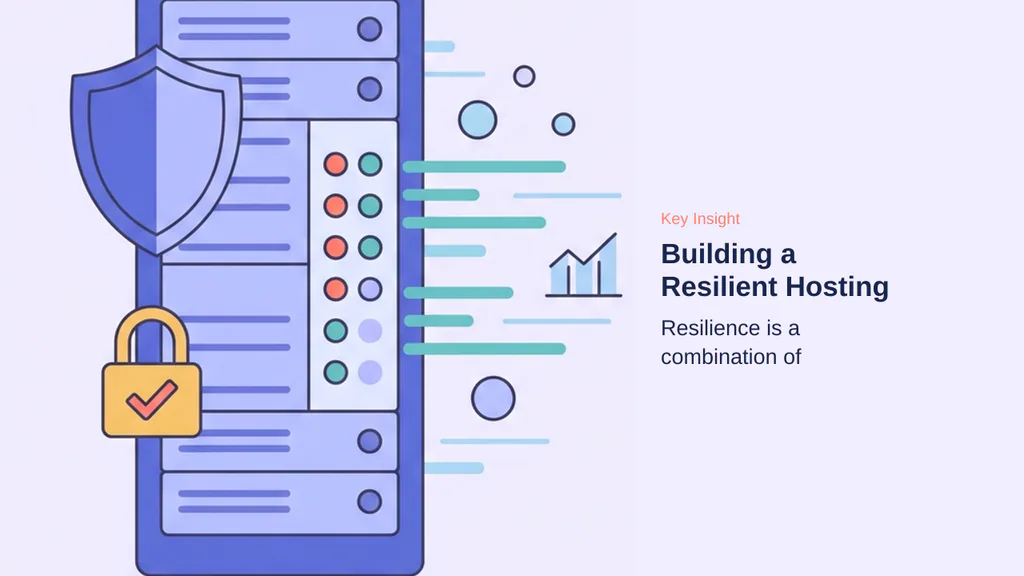
Resilience in web hosting is not a feature you purchase; it is the outcome of how the entire hosting environment is designed. While many users look for a single technology to prevent outages, true stability relies on the integration of proactive monitoring, robust backup strategies, and intelligent resource allocation. A resilient infrastructure is built to reduce the chance of failure before it occurs, rather than relying on reactive support to fix problems after they have already impacted your visitors.
Good hosting should reduce the chance of failure through proactive monitoring and stable infrastructure. This means the provider actively manages server health, security patches, and traffic patterns to maintain uptime. When infrastructure is designed with redundancy and stability at its core, the hosting environment becomes a foundation for your business rather than a source of daily concern. For a business, this translates to the ability to focus on operations while the hosting environment quietly maintains availability.
- Proactive monitoring identifies potential bottlenecks before they cause downtime.
- Automated backups ensure data recovery is fast and reliable during unexpected failures.
- Redundant systems prevent single points of failure from taking your site offline.
- Stable infrastructure provides the consistent performance necessary for long-term business growth.
While human support remains a necessary component of any hosting service, it should be viewed as a secondary safety net. If a business owner finds themselves contacting support at 3 AM due to frequent outages, it is often a sign that the underlying hosting foundation lacks the necessary resilience. A truly stable environment minimizes the need for such interventions by handling traffic fluctuations, security threats, and system updates automatically.
By prioritizing a design that emphasizes prevention over reaction, businesses can achieve a higher level of continuity. This approach shifts the focus from troubleshooting to growth, ensuring that your website remains accessible and performant even under stress. As you evaluate your hosting needs, consider how each provider balances these technical safeguards against the reality of potential service incidents.
Large providers often prioritize cost-efficiency through a self-service model, placing the burden of technical management, updates, and security configuration on the user. This approach suits businesses with internal IT capacity or those working with agencies. Conversely, specialized full-service hosts operate as technical partners, proactively managing server-level optimizations, PHP version compatibility, and security patches. By offloading these operational tasks, businesses mitigate the risk of performance bottlenecks and administrative overhead that frequently accompany rapid scaling.
The most critical, yet often overlooked, factors for long-term business continuity include the quality of technical support and the robustness of disaster recovery strategies. While infrastructure quality provides the foundation, the ability to restore services quickly and access expert assistance during an incident is what defines true resilience. A stable environment minimizes the need for reactive support, but when issues arise, the responsiveness of a partner-driven host ensures that downtime is kept to an absolute minimum, protecting revenue and user trust over the long term.
Choosing Between Large Providers and Full-Service Hosts

Selecting a hosting provider often forces a choice between the low-cost, self-service models of large corporations and the partnership-driven approach of specialized, full-service hosts. Large providers offer competitive prices but require users to manage technical tasks, whereas full-service providers handle setup, configuration, and updates as a partner.
The Self-Service Model
Large hosting providers typically offer robust infrastructure at scale. This model is self-service by design: you receive the platform, tools, and documentation, but the responsibility for configuration and maintenance rests entirely with you. This approach is effective if you possess the technical expertise to manage server environments or work with an agency that handles these requirements on your behalf. However, without internal technical resources, you may find yourself navigating complex updates or troubleshooting performance bottlenecks alone.
Benefits of Full-Service Partnerships
A specialized full-service provider operates on a different premise: you focus on your core business while they manage the technical side—hosting, email, and application maintenance. This partnership model prioritizes proactive management over reactive support. For example, when software standards evolve, a full-service partner often identifies compatibility needs and implements necessary adjustments before you encounter issues. This removes the burden of endless support tickets and technical guesswork, allowing you to focus on business growth rather than infrastructure administration.
Note: While large providers are often chosen for their initial price points, the long-term cost of managing technical configurations internally can exceed the premium charged by a full-service partner.
Beyond the initial setup, the distinction between these models often manifests in how they handle long-term operational overhead. Large providers typically operate on a volume-based model, where the infrastructure is standardized to keep costs low. This efficiency is passed to the user as competitive pricing, but it necessitates a high degree of self-reliance. If a configuration error occurs or a security patch requires manual intervention, the burden of resolution falls on the site owner. This requires either internal technical proficiency or the engagement of third-party consultants to bridge the gap.
Conversely, full-service partnerships are structured to minimize this operational friction. By acting as an extension of your team, these providers proactively manage the technical environment. This includes monitoring for security vulnerabilities, ensuring software compatibility, and performing routine maintenance before issues escalate into service disruptions. While the upfront cost may be higher, the reduction in time spent on infrastructure management often yields a better return on investment for businesses that lack dedicated IT staff. This model effectively shifts the risk of technical failure from the business owner to the provider, ensuring that the hosting environment remains a stable foundation for growth rather than a recurring source of administrative complexity.
Ultimately, the decision hinges on your organization’s capacity for technical management. If your team can handle server-level tasks and prefers lower monthly costs, a large, self-service provider is often the logical choice. If your business objectives are better served by offloading technical maintenance to focus on core operations, a full-service partner provides the necessary stability and support to facilitate that focus.
Critical Factors Often Overlooked by Businesses
Many businesses focus heavily on storage space, bandwidth, or monthly pricing when selecting a hosting provider. However, the most overlooked factors are often the ones that have the greatest long-term impact on business continuity. The first factor is the quality and responsiveness of technical support. Even the best infrastructure can experience issues, and the difference between a minor incident and a major outage often depends on how quickly the hosting provider responds.
The second factor is the provider’s backup and disaster recovery strategy. Businesses should understand how frequently backups are performed, how long they are retained, and how quickly services can be restored if something goes wrong. Another commonly overlooked area is infrastructure quality. Enterprise-grade hardware, redundant power systems, reliable networking, and proactive monitoring contribute significantly to uptime and performance.
Finally, businesses should evaluate scalability. A hosting provider should be able to support future growth without requiring complex migrations or prolonged downtime. Ultimately, the best hosting provider is not necessarily the cheapest one, but the one that delivers the right balance of reliability, performance, security, support, and long-term scalability.
- Prioritize support responsiveness over low initial monthly costs.
- Verify backup retention policies and restoration speed.
- Assess infrastructure quality including redundant power and networking.
- Ensure scalability paths exist to avoid future migration needs.
Beyond the immediate technical requirements, businesses must evaluate the long-term operational philosophy of their hosting partner. A provider that treats hosting as a utility often leaves the burden of maintenance, security patching, and performance tuning entirely on the business owner. In contrast, a partnership-driven host acts as an extension of the internal team, proactively identifying bottlenecks and managing updates before they manifest as service interruptions. This distinction is vital for companies that lack dedicated in-house DevOps resources.
Furthermore, the geographic location of the data center relative to the primary user base remains a critical, yet frequently underestimated, factor in latency reduction. While content delivery networks can mitigate some distance-related delays, hosting the origin server closer to the target audience significantly improves the speed of dynamic, non-cacheable requests. Businesses should prioritize providers that offer transparent data center locations and allow for strategic placement of their infrastructure.
Finally, consider the portability of your data and the ease of exiting a hosting arrangement. Proprietary control panels or locked-in database formats can create significant friction during future migrations. A provider that adheres to industry-standard formats and offers straightforward export tools ensures that the business retains full control over its digital assets. Evaluating these long-term exit strategies during the initial selection process prevents vendor lock-in and provides the flexibility needed to adapt to changing business requirements or evolving technical standards.
- Evaluate the provider’s operational model: self-service versus managed partnership.
- Select data center locations that minimize physical distance to your core audience.
- Verify data portability and export capabilities to avoid future vendor lock-in.
- Assess the long-term cost of ownership, including potential hidden fees for migrations or specialized support.
Preparing for Website Redesigns and Migrations
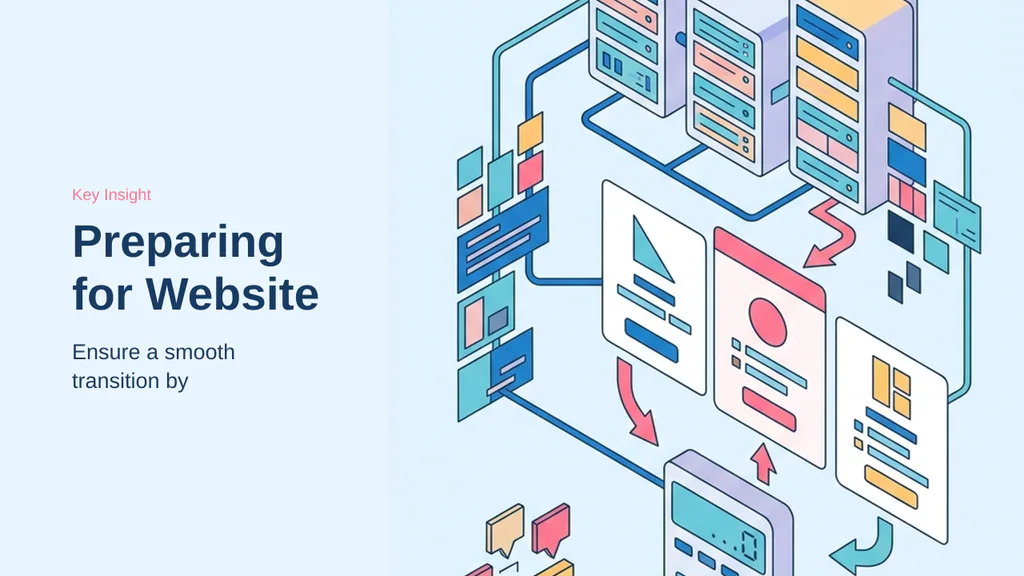
Before any major website redesign or migration, businesses should ensure their hosting environment is fully prepared to support a smooth transition. The most important steps include creating complete backups, reviewing server resources, verifying software compatibility, and testing the new website in a staging environment before deployment. Businesses should also confirm that SSL certificates, DNS configurations, email services, and third-party integrations are functioning correctly.
Pre-Launch Checklist
Performance and security checks should be completed in advance to identify potential issues before launch. In addition, organizations should review database performance, storage capacity, and bandwidth limits to ensure the hosting environment can handle expected traffic levels after the redesign or migration. It is also important to establish a rollback plan so that the previous version of the website can be restored quickly if unexpected problems occur.
- Perform full site backups and verify integrity.
- Verify software and PHP version compatibility.
- Test all functionality in a staging environment.
- Audit redirects and URL structures to prevent SEO loss.
- Configure monitoring tools to track performance post-launch.
Testing and Rollback Planning
Website owners should coordinate with developers, hosting providers, and other stakeholders to create a clear migration timeline and minimise disruptions. Monitoring tools should be configured before launch to track up-time, page speed, server performance, and user activity. Businesses should also test website functionality across different devices, browsers, and operating systems to ensure a consistent user experience. Search engine optimisation elements, including redirects, metadata, and URL structures, should be reviewed carefully to prevent ranking losses and broken links. A well-prepared hosting environment minimises downtime, reduces risk, and helps ensure that users and search engines experience a seamless transition.
Beyond initial preparation, maintaining a consistent deployment workflow is essential for long-term site health. Developers should implement version control systems, such as Git, to track changes made during the redesign process. This practice allows teams to revert specific file modifications without needing a full site restoration, providing a granular layer of safety. Furthermore, auditing third-party integrations is critical; outdated plugins or incompatible themes often trigger conflicts during migration. Before finalizing the move, verify that all API keys, database connection strings, and environment variables are updated to reflect the new server configuration. These technical details, while often overlooked, prevent common post-migration errors like broken database queries or failed authentication.
Finally, consider the impact of DNS propagation on user accessibility. During the transition, keeping the old server active until the new environment is fully verified ensures that traffic is not lost due to caching delays. Once the migration is complete, perform a final audit of all site assets, including images, scripts, and stylesheets, to ensure they are loading correctly from the new infrastructure. Proactive testing of these elements confirms that the migration has not introduced performance bottlenecks or broken links, ultimately protecting the user experience and maintaining SEO authority throughout the entire transition process.
Optimizing for WordPress Workloads
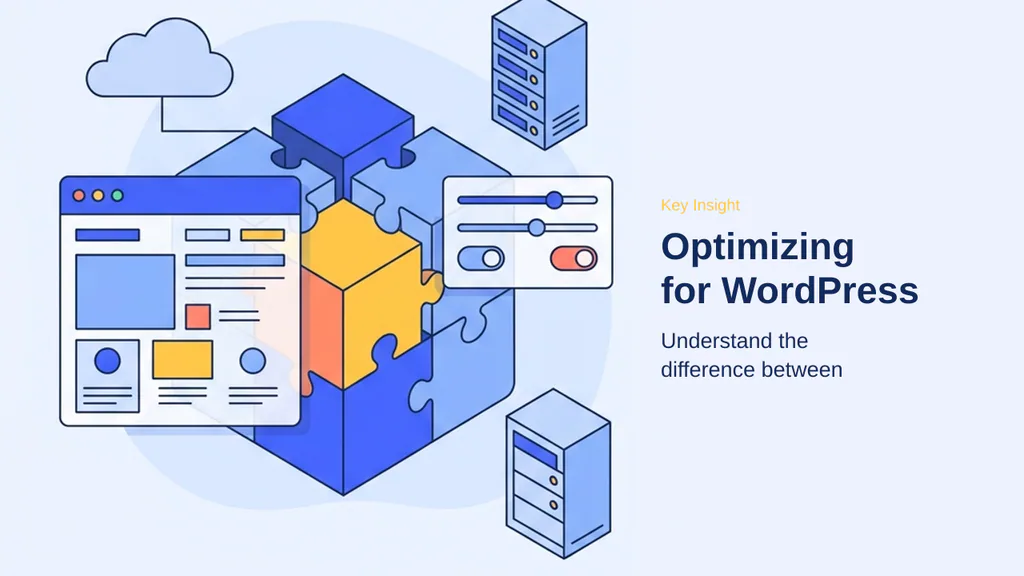
WordPress requires a hosting environment that understands its unique architectural demands. While general shared hosting is versatile, it often lacks the specific performance tuning required to handle the dynamic nature of WordPress, such as PHP execution and database queries. Managed WordPress hosting is purpose-built to address these needs, offering server-level caching and specialized support that general environments typically cannot match.
Key considerations for Optimizing for WordPress Workloads
Performance in WordPress is heavily influenced by how the server handles uncached requests. Because dynamic actions like WooCommerce checkouts bypass front-end caching, the origin server must be optimized for fast PHP execution and database responsiveness. Specialized hosting environments often implement server-side object caching and advanced firewalls to filter malicious traffic before it reaches the application, preserving CPU resources for legitimate visitors.
Practical checks for Optimizing for WordPress Workloads
When evaluating a provider, look for built-in features that reduce the need for resource-heavy plugins. A high-quality WordPress host should provide:
- Server-level caching (e.g., Nginx or LiteSpeed) to reduce Time to First Byte.
- Automated, WordPress-specific security scanning and brute-force protection.
- Integrated staging environments for safe testing of updates.
- Support teams with deep expertise in WordPress troubleshooting.
Note: Avoid relying on security plugins to handle traffic filtering; infrastructure-level protection is significantly more efficient and prevents unnecessary resource exhaustion.
Beyond the core infrastructure, the operational workflow within a WordPress environment dictates long-term stability. A primary advantage of managed environments is the inclusion of automated staging workflows. These environments serve as exact replicas of the production site, allowing for the testing of theme updates, plugin compatibility, and core WordPress version changes without risking the live user experience. By isolating these changes, developers can identify conflicts in a sandbox that mirrors the production server’s PHP configuration and database performance.
Furthermore, managed WordPress hosts often provide integrated backup and rollback systems that are specifically indexed to the WordPress file structure and database. Unlike generic shared hosting, where backups might be limited to full-account snapshots that are difficult to restore granularly, managed platforms allow for targeted restoration of specific tables or files. This capability is critical when a plugin update inadvertently breaks a site’s functionality, as it enables a rapid return to a known-good state with minimal downtime.
Finally, the specialized support model inherent in managed WordPress hosting cannot be overstated. Because the support teams are trained specifically on the WordPress ecosystem, they can distinguish between application-level errors and server-side bottlenecks. This expertise reduces the time spent in support ticket loops, as the technicians are often able to diagnose issues related to common WordPress plugins or theme conflicts directly. For businesses where the website is a primary revenue driver, this level of partnership ensures that technical hurdles are resolved with an understanding of the underlying application architecture, rather than just the server hardware. This proactive approach to maintenance and troubleshooting is what ultimately differentiates a managed environment from a standard hosting plan, providing a more resilient foundation for growth and ensuring that performance remains consistent even as the site’s complexity increases over time.
Leveraging Staging Environments for Development
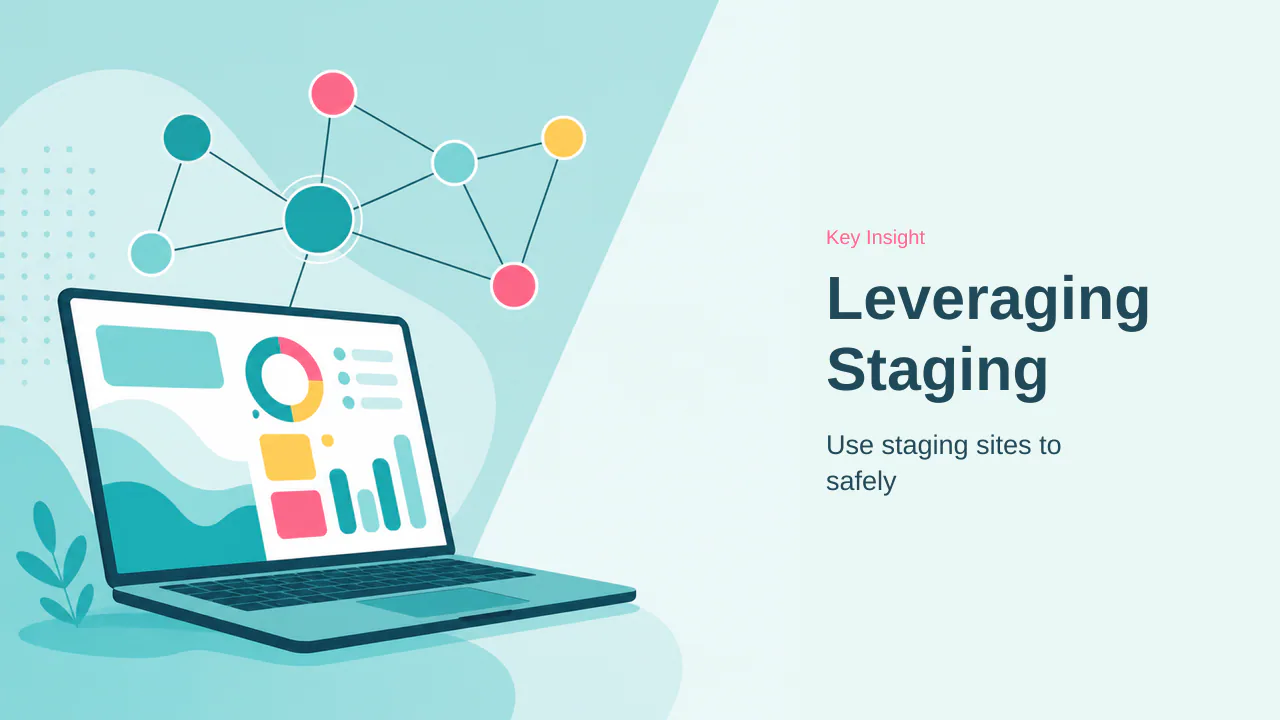
Staging sites serve as fully-featured replicas of your live production environment. By isolating experimental changes from your public-facing website, you create a secure sandbox to test updates, new themes, or code modifications without risking downtime. This practice is essential for maintaining business continuity during routine maintenance or major site overhauls.
Two-Way Synchronization
A quality host should support seamless synchronization between staging and production. This workflow allows you to pull the current live database and files into your staging environment to ensure testing occurs against real-world data. Once verification is complete, a reliable provider enables you to push those validated changes back to the live site with minimal friction. This bidirectional capability ensures that your development cycle remains efficient and predictable.
Safety Nets for Updates
Staging environments act as a critical safety net for updates. Before applying WordPress core, plugin, or theme updates, you can deploy them to staging to identify potential conflicts or performance regressions. Many professional hosts automatically trigger a full production backup immediately before a push-to-live operation, providing an instant recovery path if unexpected issues arise. This proactive approach to change management significantly reduces the risk of site-breaking errors during critical updates.
- Verify software compatibility in isolation before deployment.
- Use staging to test high-impact changes like database schema updates.
- Ensure your host provides automated pre-deployment backups.
- Monitor performance metrics within staging to detect bottlenecks early.
- Coordinate team access to prevent conflicting configuration changes.
With a clear understanding of how infrastructure design impacts resilience, the next step is to contrast the self-service model of large providers with the partnership-driven approach of full-service hosts.
Beyond basic synchronization, staging environments facilitate version control for your web assets. By maintaining a parallel site, you can experiment with complex plugin configurations or theme adjustments without affecting the live user experience. This isolation is particularly valuable when troubleshooting conflicts that arise from specific plugin combinations or custom code snippets. Furthermore, staging sites allow for performance benchmarking in a controlled setting. You can run speed tests on new updates to ensure that changes do not introduce latency or resource bottlenecks before they reach your audience. This methodical approach to testing transforms site management from a reactive process into a proactive strategy, ensuring that every deployment is stable and optimized. By leveraging these tools, you effectively mitigate the risk of downtime, protecting both your site’s reputation and your bottom line during critical updates or major design overhauls.
Cloud Hosting vs. Traditional Hosting
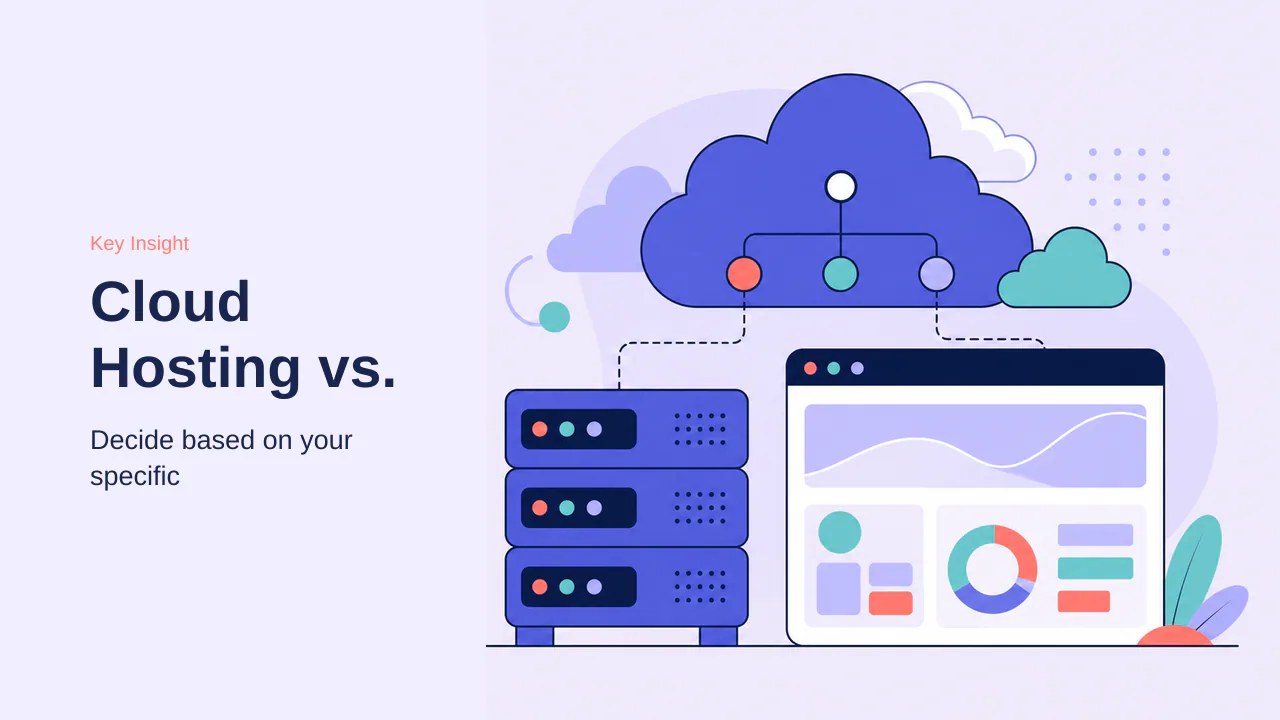
Distinguishing between cloud and traditional hosting requires looking past marketing labels to understand how infrastructure impacts your specific operational needs. Traditional hosting relies on a single server environment, which is often sufficient for small, static sites with predictable traffic. In contrast, cloud hosting uses distributed infrastructure, drawing resources from a network of interconnected systems to provide better redundancy and scalability.
Key considerations for Cloud Hosting vs. Traditional Hosting
- Traditional hosting is typically more cost-effective for simple, brochure-style websites.
- Cloud hosting offers superior resilience, as workloads can shift if individual hardware components fail.
- Scalability in cloud environments is dynamic, allowing resources to adjust during traffic spikes.
- Traditional environments are often static, meaning capacity is limited by the physical server’s hardware.
- Hybrid models now exist, blending cloud-backed infrastructure with traditional management interfaces.
Practical checks for Cloud Hosting vs. Traditional Hosting
When deciding, evaluate your site’s growth trajectory and tolerance for downtime. If your business relies on high-traffic eCommerce or requires constant uptime, the distributed nature of cloud hosting is likely the better investment. Conversely, if your project is a small, stable site, the simplicity of traditional hosting may be more appropriate. Always prioritize the provider’s ability to support your specific workload over the terminology used in their marketing materials.
When evaluating these models, consider the operational overhead associated with each. Traditional hosting often requires manual intervention for resource upgrades, such as migrating to a larger server plan when physical limits are reached. This process can involve downtime and configuration adjustments, making it less ideal for projects with unpredictable growth. In contrast, cloud hosting environments are designed for elasticity, where resource allocation can often be adjusted programmatically or via a dashboard without requiring a full migration.
Another critical factor is the cost structure. Traditional hosting typically follows a fixed-price model, which provides budget predictability for small, static sites. Cloud hosting often utilizes a usage-based or tiered model, which can be more cost-effective for scaling but requires careful monitoring to avoid unexpected expenses during traffic surges. Redundancy also differs significantly; while traditional hosting may rely on off-site backups for disaster recovery, cloud hosting provides inherent resilience by distributing data and processing across multiple nodes. This architectural difference means that a single hardware failure in a cloud environment is less likely to result in a total service outage compared to a single-server traditional setup.
Ultimately, the choice depends on your risk tolerance and technical resources. If your team lacks the capacity to manage complex infrastructure, a managed service that abstracts these cloud complexities is often the most sensible path. Prioritize providers that offer clear documentation on their infrastructure design, as this transparency is a strong indicator of their commitment to long-term reliability. Regardless of the underlying technology, ensure that your chosen plan includes automated monitoring and a robust backup strategy, as these are the primary defenses against data loss and service interruptions in any hosting environment.
Choosing a web hosting provider is less about finding the cheapest entry point and more about securing a partner capable of supporting your long-term business objectives. By prioritizing infrastructure resilience, responsive technical support, and clear scalability paths, you mitigate the risks associated with performance bottlenecks and unexpected downtime. The transition from a basic setup to a more sophisticated environment should be guided by your specific operational requirements, such as the need for managed WordPress optimizations or the distributed redundancy provided by cloud-based architectures.
Effective management of your hosting environment involves more than just selecting a plan; it requires active engagement with tools like staging environments and automated backup systems. These features act as critical safety nets, allowing you to test updates, redesigns, and migrations without compromising the live production site. As your business grows, the ability to seamlessly synchronize these environments and adjust resource allocations becomes a key competitive advantage. Ultimately, the most successful hosting strategy is one that aligns with your technical capacity and growth trajectory, ensuring that your digital infrastructure remains a reliable asset rather than a source of recurring friction. By focusing on these fundamental principles, you can confidently navigate the hosting landscape, making decisions that provide stability today while leaving room for the innovations and traffic demands of tomorrow. Whether you opt for a traditional server environment or a modern cloud-based solution, the focus remains on maintaining a secure, performant, and highly available platform that serves your users effectively at every stage of your development.